Iris Shaders Mod Download for Minecraft 26.3 (NeoForge) — Real Shadows and Light
Quick answer: Iris Shaders is a free mod that adds shader pack support to Minecraft, so you can run packs like BSL and Complementary with real shadows, reflections, and god rays. The latest release is Iris 1.11.7 for Minecraft 26.3, and the download below is the NeoForge build, verified on Modrinth today. It needs Sodium to run, so install Sodium first, then Iris, then drop a shader pack into the shaderpacks folder.
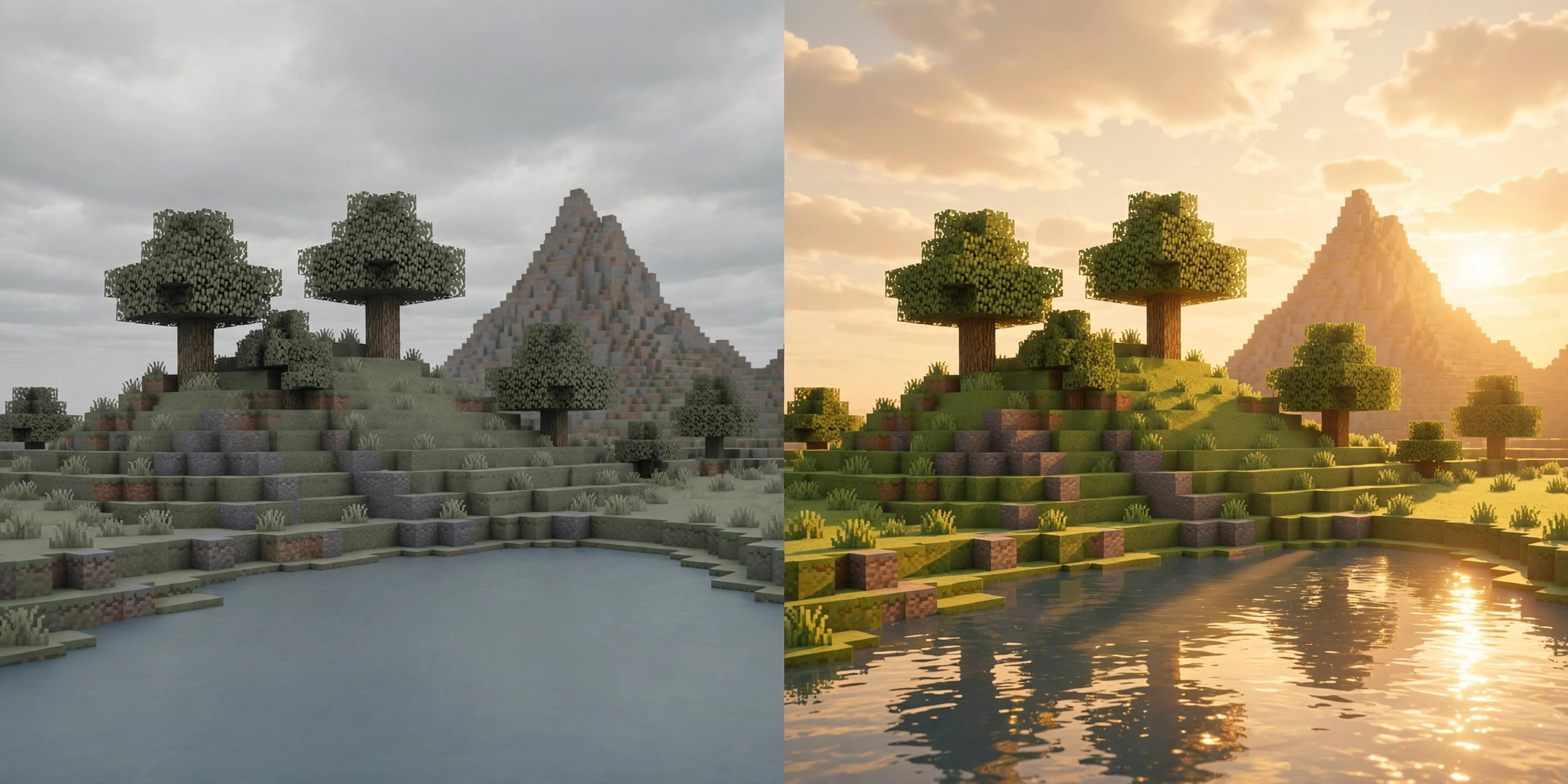
Vanilla Minecraft lighting is flat. Shadows do not move, water does not reflect, and the sun is a square that does nothing to the scene. Iris Shaders changes that. It is the mod that lets Minecraft run shader packs, and it does it without the weight and the closed code of OptiFine, which was the only option for years.
Iris is developed by the Iris team, led by IMS, and it has more than 190 million downloads on Modrinth. It works by building on Sodium, which handles the fast rendering, while Iris handles the shader pipeline. The two were designed together, and installing Iris without Sodium is the most common mistake new users make.
Minecraft 26.3 · NeoForge · v1.11.7 · Official download
What Iris Shaders does
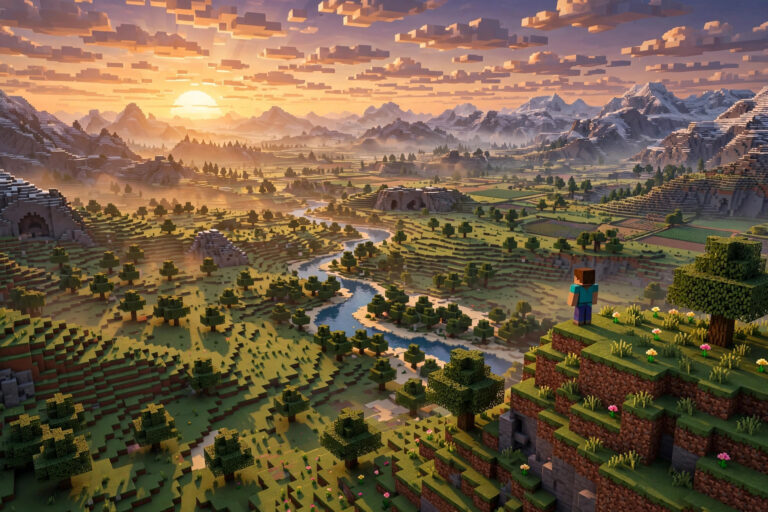
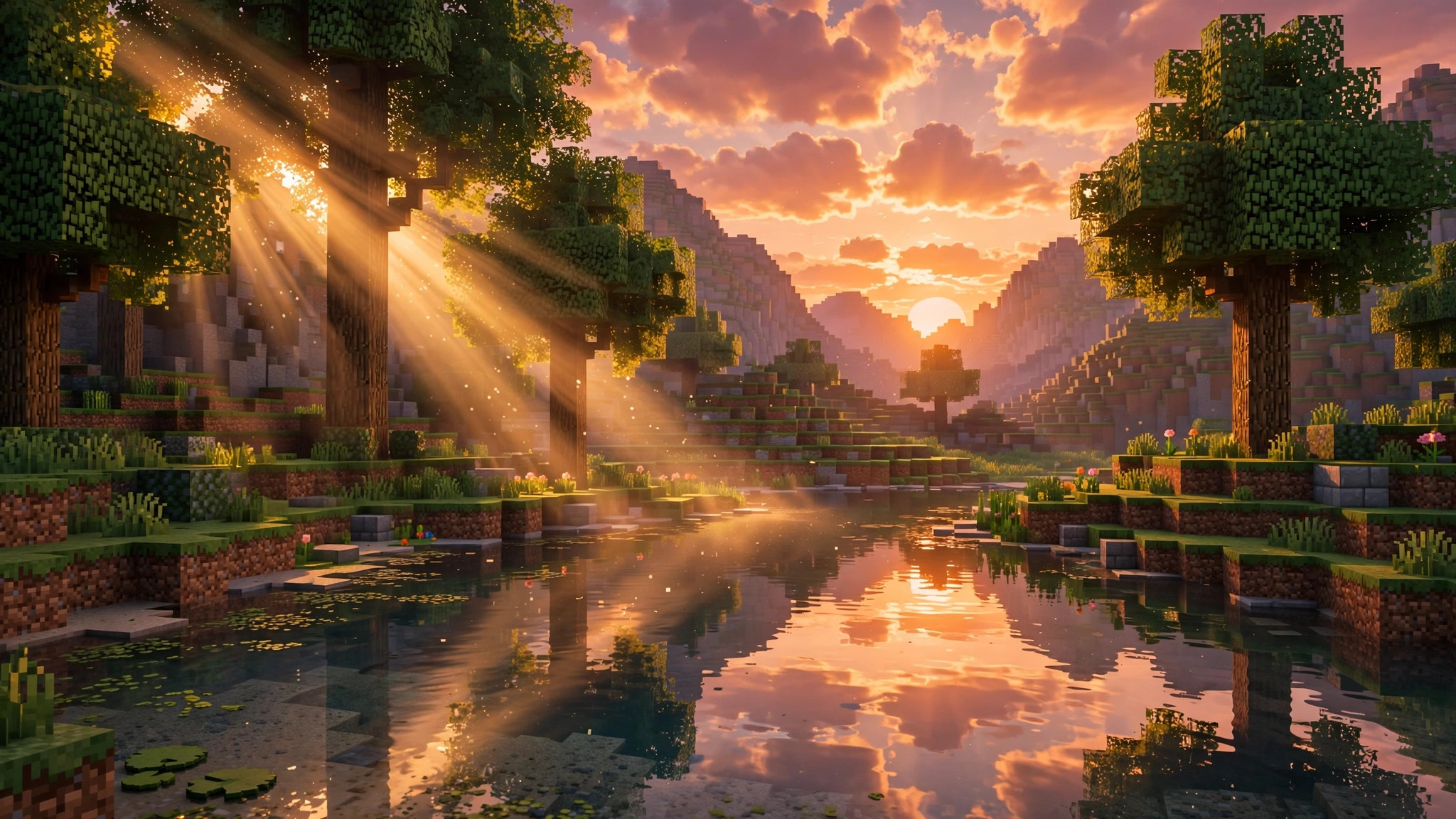
Iris loads shader packs. A shader pack is a set of programs that change how light, water, sky, and shadows are drawn. With a pack like BSL installed, the sun casts long moving shadows, water reflects the sky, clouds drift with volume, and torchlight glows warm against stone. The blocks stay the same. The light is what changes, and light is most of what makes a game look real.
Iris also ships with its own shader pipeline, which means it can run packs written for OptiFine. Almost every OptiFine shader pack works in Iris, including BSL, Complementary, SEUS, Sildur’s, and Continuum. If a pack ran in OptiFine, it will almost certainly run in Iris, usually faster, because Sodium is doing the rendering underneath.
Unlike OptiFine, Iris is open source, and it does not bundle its own features like zoom or connected textures. It does one job and leaves the rest to other mods. If you want zoom, add a zoom mod. If you want connected textures, add Continuity. That split is why Iris stays fast.
Which shader pack should you pick
Iris is only the loader. The look comes from the pack, and the pack you pick decides both the visuals and the frame rate cost. Three packs cover most players:
- BSL. The most popular pack, and the best starting point. Warm light, soft clouds, reflective water, and a balanced cost. It looks great in screenshots and still runs on mid-range hardware.
- Complementary. Built to look close to vanilla, just better. Colors stay natural, the sky gets volume, and the performance hit is lighter than BSL. Pick this one if you want shaders that do not change the feel of the game.
- SEUS PTGI. The heaviest and the most realistic, with path-traced style lighting. It needs a strong GPU. Only pick it if you have a modern graphics card and you are willing to trade frames for looks.
Start with BSL on medium settings. If your frame rate holds above 60, try its higher presets. If it drops below 40, switch to Complementary or turn down the shader settings before you blame Iris. The pack and its settings matter more than the loader.
Compatibility: versions, loaders, and what it needs
| Minecraft version | Latest Iris | Loaders |
|---|---|---|
| 26.3 | 1.11.7 (release) | NeoForge, Fabric |
| 26.2 | 1.11.5 | NeoForge, Fabric |
| 1.21.1 | 1.8.8 | Fabric, NeoForge |
The download on this page is Iris 1.11.7 for Minecraft 26.3 on NeoForge. A Fabric build of the same version is on the same Modrinth project page.
Iris requires Sodium. The two mods are version-matched, so use Sodium 0.9.2 with Iris 1.11.7 on Minecraft 26.3. If you install Iris without Sodium, the game will crash on launch with a missing dependency error. That error is doing its job. Install both files in the mods folder and the problem goes away.
Iris does not work with OptiFine. Both mods take over the shader pipeline, and they will conflict. If you are coming from OptiFine, remove it completely before installing Iris and Sodium. Your old OptiFine shader packs still work, so copy them from the old shaderpacks folder into the new one.
Iris is client-side. It works on any server, and it changes nothing about gameplay, so no server can detect it or block it. Other players will not see your shaders. Shaders are only ever on your screen.
How to install Iris Shaders
- Install a mod loader for Minecraft 26.3. This download is the NeoForge build, so install NeoForge for 26.3 from the official NeoForge site. Fabric players should grab the Fabric build of Iris 1.11.7 from Modrinth. Our NeoForge install guide covers the setup step by step.
- Download Sodium 0.9.2 for Minecraft 26.3. You need it before Iris will run. The file is sodium-neoforge-0.9.2+mc26.3.jar.
- Download Iris 1.11.7 using the button above. The file is iris-neoforge-1.11.7+mc26.3.jar, about 2.8 MB.
- Open the Minecraft launcher, select the NeoForge 26.3 profile, and click Play once so the game creates its folders. Close the game.
- Press Windows + R, type %appdata%\.minecraft\mods, and press Enter. On Mac, open Finder, press Cmd + Shift + G, and enter ~/Library/Application Support/minecraft/mods.
- Move both .jar files into the mods folder. Do not unzip them.
- Download a shader pack, for example BSL, and put the .zip file in the shaderpacks folder inside .minecraft. Do not unzip the pack either.
- Launch the game. Go to Video Settings, then Shader Packs, and select your pack. The world will reload with the new lighting.
If the Shader Packs button is missing, Iris did not load. Check that both jars are in the mods folder and that both match Minecraft 26.3. If the game crashes, check the crash log for the words “sodium” or “iris” and confirm the versions match. Our mod crash troubleshooting guide walks through the rest.
Getting good performance with shaders
Shaders cost frames. That is the trade, and no loader avoids it. Four settings decide how much you pay:
- Render distance. Shaders redraw shadows for every loaded chunk. Drop from 16 to 12 chunks and the gain is immediate.
- Shadow resolution. In the shader pack settings, lower the shadow map size from 2048 to 1024. The shadows get slightly softer and the frame rate climbs.
- Clouds and water. Volumetric clouds and reflective water are two of the most expensive effects. Turn clouds to fast or off if you need frames back.
- Anti-aliasing. Most packs offer FXAA or TAA. FXAA is cheaper and looks fine at 1080p.
On a laptop with integrated graphics, expect shaders to be a struggle. Iris plus Sodium keeps the game playable, but a shader pack on weak hardware will still drop below 30 fps. On a mid-range GPU from the last five years, BSL at medium settings should hold 60 fps at 1080p in most biomes.
Iris vs OptiFine for shaders
For years OptiFine was the only way to run shaders, and it still works. The question is whether it is still the best choice, and for most players in 2026 it is not. Iris plus Sodium runs the same shader packs at a higher frame rate, because Sodium’s rendering is faster than OptiFine’s. Iris is also open source, updates faster after a Minecraft release, and plays well with the rest of the Fabric and NeoForge mod ecosystem.
OptiFine keeps two advantages. It has built-in zoom, connected textures, and dynamic lights, all in one file, and some old shader packs were written against OptiFine quirks that Iris handles differently. If you run a single mod and want everything bundled, OptiFine is simpler. If you run mods at all, Iris is the better base. Our full Sodium vs OptiFine comparison breaks down the trade in detail.
Is Iris Shaders safe to download
Yes, from Modrinth. Iris is open source, its code is public, and the Modrinth listing is run by the developers. Version history and download counts are visible on the project page, which is how you confirm a file is genuine. Never download Iris from a re-upload site or a “free mods” aggregator. Those copies are where malware hides, and they are often old versions with the version number changed.
The download button on this page points directly at the Modrinth CDN file for Iris 1.11.7, NeoForge, Minecraft 26.3. It starts the .jar download immediately, with no installer, no extra software, and no account needed.
Frequently asked questions
Does Iris Shaders work without Sodium?
No. Iris requires Sodium, and the game will crash on launch without it. Install matching versions of both mods in the mods folder.
Can I use Iris Shaders on a server?
Yes. Iris is client-side and changes nothing about gameplay. It works on any server, and other players will not see your shaders.
Why do my shaders look dark or broken?
Most of the time the pack is set to a preset your GPU cannot handle, or the pack version is old. Update the pack to its latest release, reset the shader settings to default, and try again. If the sky renders black, the pack likely needs a newer Iris version.
Does Iris work with resource packs?
Yes. Resource packs and shader packs stack. A resource pack changes textures, a shader pack changes light, and the two work together. PBR resource packs, which add normal and specular maps, work with Iris too, and they are what make materials like metal and water look real.
Is Iris Shaders free?
Yes. Iris is free and open source. The developers accept donations, but no feature is locked behind a payment.
Verdict
Iris Shaders is the right way to run shader packs in 2026. It is free, it is fast because it sits on Sodium, it runs almost every OptiFine shader pack, and it updates quickly after each Minecraft release. The install takes five minutes and two files. The only real cost is frame rate, and that is the price of good lighting in any game. Start with Sodium 0.9.2, add Iris 1.11.7, pick BSL or Complementary, and tune the settings until the frame rate holds. If your GPU cannot keep up, drop the render distance before you drop the shaders.