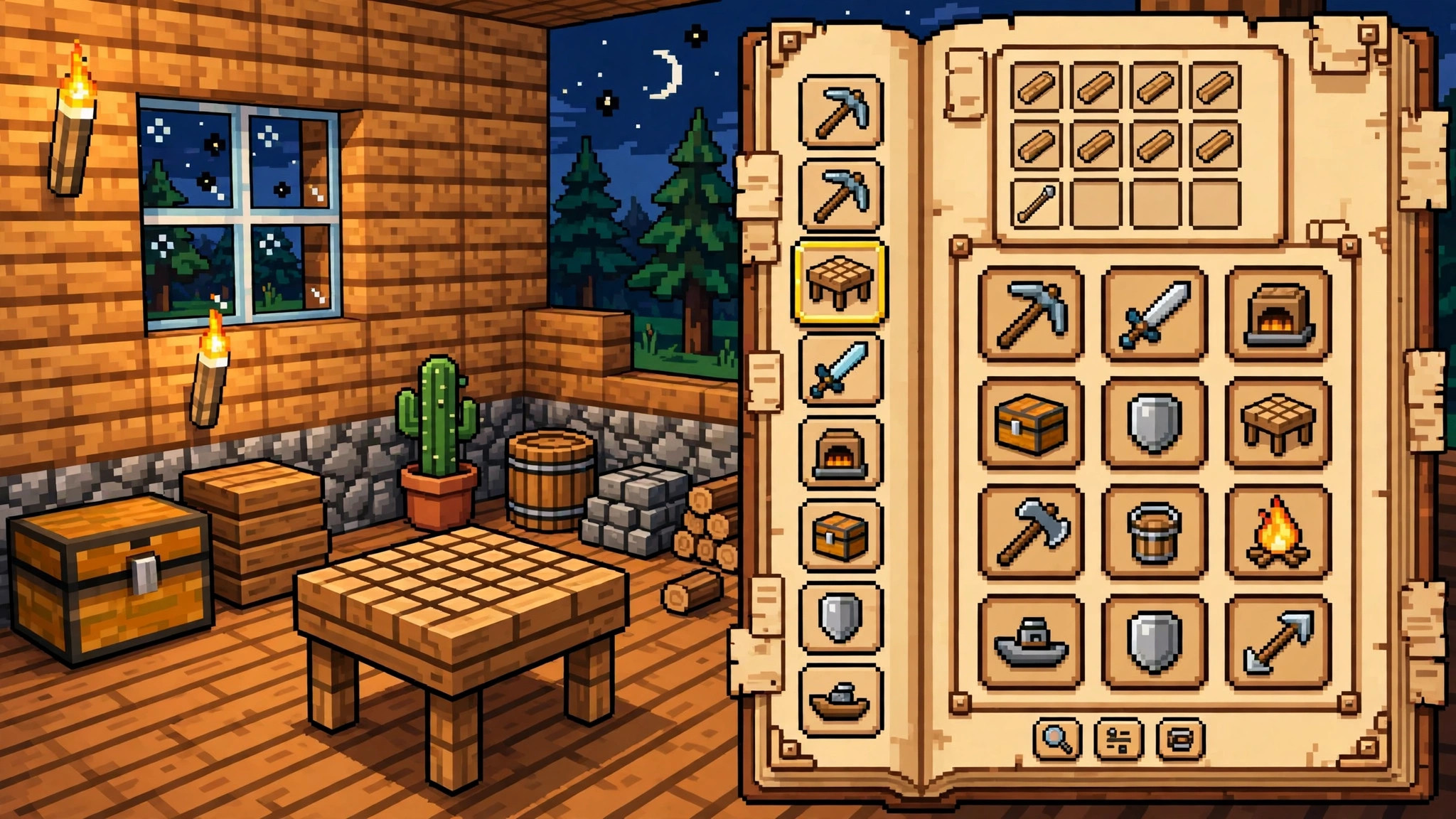
JEI Mod Download for Minecraft 26.3 NeoForge: Every Recipe, One Search Box Away
Quick answer: Just Enough Items, known as JEI, is a free mod that shows every item and recipe in the game in a searchable side panel, so you never open a wiki to check how to craft something. The latest release is JEI 31.14.0.72 for Minecraft 26.3, and the download below is the NeoForge build, verified on Modrinth today. Press R on any item to see its recipes, press U to see what it is used in, and click a recipe to fill the crafting grid. Install NeoForge for 26.3, drop the .jar into your mods folder, and launch the game. It works on any server with no server install.
Every Minecraft player has hit the same wall. You have the materials for a piston, a comparator, or a modded machine, and you cannot remember the recipe. You open a browser, search for the recipe, and tab back into the game with a crafting grid full of wrong guesses. JEI ends that loop. Open your inventory and every item in the game sits in a panel on the right, searchable by name, with every recipe one key press away.
The mod has passed 87 million downloads on Modrinth, which makes it one of the most installed utility mods in the game. It adds no items and no blocks of its own. It only shows you the recipes and items that already exist, including the ones added by every other mod you have installed. That is why modpacks treat it as essential: a pack with 200 mods and no recipe viewer is unplayable.
Minecraft 26.3 · NeoForge · v31.14.0.72 · Official download
What JEI actually does
Open any inventory screen and JEI adds a panel of every item in the game down the right side. Type in the search box at the bottom and the panel filters as you type. Search for “piston” and you see pistons, sticky pistons, and every modded piston in the pack. Hover over an item and press R to see how to craft it. Press U to see every recipe that item is used in. The recipe view shows the crafting grid, the furnace, the smithing table, or whatever station the recipe needs.
Click the plus button on a recipe while a crafting table is open and JEI moves the ingredients into the grid for you. It fills what it can from your inventory and leaves the rest empty, so you see at a glance what you are missing. This is the feature that saves the most time, because it turns a ten-second recipe lookup into a one-second click.
JEI also has a bookmark list. Press A on any item to pin it to a favorites bar, so the items you craft all the time stay one click away. The search box understands more than names: type @modname to filter by the mod that added an item, or #tag to filter by a tag. Players who run big modpacks use these filters constantly, because a pack with 10,000 items is useless without a way to narrow it down.

Why modpacks cannot live without it
A vanilla world has a few hundred items, and most players learn the recipes by heart. A modpack has thousands. No one memorizes the recipe for a thermal machine, an applied energistics drive, or a create contraption. JEI is the tool that makes a pack playable, because it answers every recipe question inside the game, in the second you ask it.
The recipe view also shows machine recipes. A modded furnace, crusher, or assembler has its own recipe tab in JEI, with the input, the output, and the time it takes. This matters when a pack changes the recipes, which most packs do. A wiki will show you the default recipe. JEI shows you the recipe as it actually works in your pack, right now, with your config. That is the difference between a guide and a tool.
JEI also shows the ingredient tree. Press U on a finished item and you see what it is used in. Press R on a raw material and you see everything it can become. This turns JEI into a planning tool: you can trace a machine back to its raw materials and work out what to mine before you start building.
Compatibility: versions, loaders, and what it needs
| Minecraft version | Latest JEI | Loaders |
|---|---|---|
| 26.3 | 31.14.0.72 (release) | NeoForge |
The download on this page is JEI 31.14.0.72 for Minecraft 26.3 on NeoForge. Forge builds of the same version are on the same Modrinth project page. JEI has no dependencies and no config library to install. Fabric players should look at Roughly Enough Items instead, which is the Fabric equivalent, because JEI does not ship a Fabric build.
JEI is client-side. It works on any server with no server install, because it only displays recipes your own game already knows. On a modded server, the recipes JEI shows come from the server, so they match the server’s pack and config. You do not need the server owner to install anything. If you play on a modpack, check the pack’s mod list first, because most packs already include JEI and adding a second copy will cause a duplicate-mod error on launch.
JEI works with our other utility picks, and with a performance mod if a big pack runs slow. See our Mod Menu download and our best quality-of-life mods for 2026 for the rest of the setup.
How to install JEI
- Install a mod loader for Minecraft 26.3. This download is the NeoForge build, so install NeoForge for 26.3 from the official NeoForge site. Our NeoForge install guide walks through the setup.
- Download JEI 31.14.0.72 using the button above. The file is jei-26.3-neoforge-31.14.0.72.jar, about 2.4 MB.
- Open the Minecraft launcher, select the NeoForge 26.3 profile, and click Play once so the game creates its folders. Close the game.
- Press Windows + R, type %appdata%\.minecraft\mods, and press Enter. On Mac, open Finder, press Cmd + Shift + G, and enter ~/Library/Application Support/minecraft/mods.
- Move the JEI .jar file into the mods folder. Do not unzip it.
- Launch the game with the NeoForge profile. Open your inventory and look for the item panel on the right. If you see a list of items and a search box, the mod is running. Press R on any item to test the recipe view.
If the game crashes on launch, the usual cause is a version mismatch: a Forge JEI jar on a NeoForge profile, or a 26.2 jar on 26.3. Check the file name first. If JEI loads but the panel is missing, press O to toggle the overlay, which is the default key for hiding the item list. If the recipe view shows nothing for a modded item, that mod may not register its recipes with JEI, which is rare and not something you can fix from the client. Our mod crash troubleshooting guide covers the rest of the common cases.
Is JEI safe to download
Yes, when you get it from Modrinth. JEI is open source, its code is public, and the Modrinth listing is maintained by the developer. Download counts and version history are visible on the project page, which is how you confirm a file is genuine. Never download JEI from a re-upload site or a “free mods” aggregator. Those copies are where malware hides, and they are often outdated versions with the version number changed.
The download button on this page points directly at the Modrinth CDN file for JEI 31.14.0.72, NeoForge, Minecraft 26.3. It starts the .jar download immediately, with no installer, no extra software, and no account needed.
Frequently asked questions
Is JEI free?
Yes. JEI is free and open source. There is no paid version and no feature locked behind a payment.
Does JEI work on servers?
Yes. JEI is client-side, so it works on any server with no server install and no permission needed. On a modded server it shows the recipes from the server’s pack.
Does JEI work on Fabric?
No. JEI ships NeoForge and Forge builds only. Fabric players should use Roughly Enough Items, which does the same job on Fabric.
Can I hide the item panel?
Yes. Press O to toggle the overlay, or use Ctrl + O to switch between the full item list and a search-only mode. The keys can be changed in the controls settings.
Does JEI work in creative mode?
Yes. In creative mode the item panel works alongside the creative inventory, and you can drag items from the JEI panel straight into your inventory. The bookmark list works in both modes.
Verdict
JEI is the mod for players who are tired of alt-tabbing to a wiki. It will not give you items, it will not craft things for you, and it will not change a single recipe. What it does is put every recipe in the game one key press away, inside the game, with the pack’s real recipes instead of a wiki’s guess. It is a single file, it takes two minutes to install, and it is free. If you play with mods, install it. If you play vanilla, install it the first time you forget a recipe. You will not go back.