Jade Mod Download for Minecraft 26.3 NeoForge: See What You Are Looking At
Quick answer: Jade is a free client-side mod that shows information about whatever you are looking at: the block name, the mod it came from, what tool harvests it, and what is inside containers like chests and furnaces. The latest release is Jade 26.3.5 for Minecraft 26.3, and the download below is the NeoForge build, verified on Modrinth today. Install NeoForge for 26.3, drop the .jar into your mods folder, and launch the game. It works on any server with no server install, and the overlay can be moved, resized, and turned off in the config.
Point at a block in vanilla Minecraft and the game tells you nothing. Is that a modded ore or a stone variant? Which tool harvests it? What is inside that chest, and is the furnace still smelting? You break the block to find out, or you open the container to check. In a modpack with a hundred new blocks, that guessing game never stops.
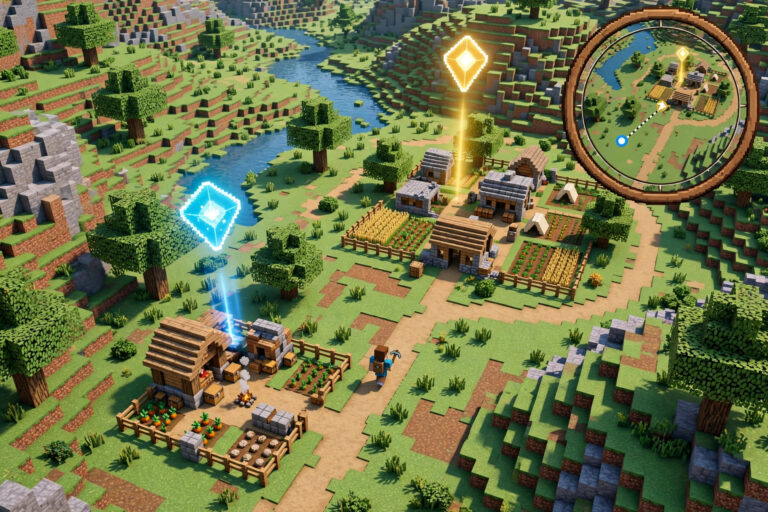
Jade ends it. Look at a block and a small overlay appears with its name, the mod it came from, the tool that harvests it, and its contents. Look at a mob and you see its health, its name, and whether it can be bred or tamed. The mod has passed 74 million downloads on Modrinth. It is the successor to WAILA and Hwyla, the two mods that did this job before it, and it is the one most modpacks ship today.
Minecraft 26.3 · NeoForge · v26.3.5 · Official download
What Jade actually shows you
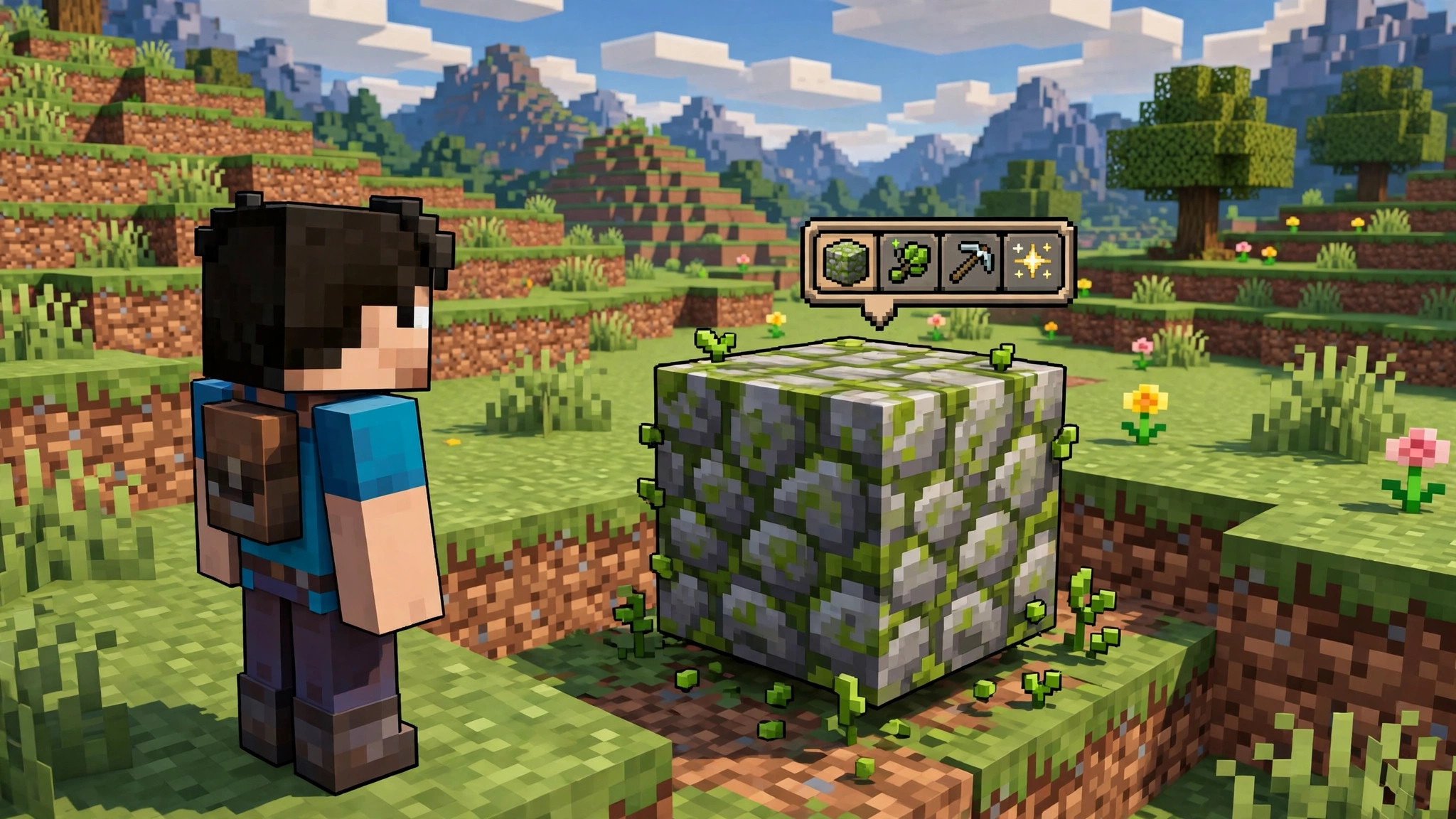
Look at any block and Jade shows a tooltip at the top of the screen with the block name and the mod that added it. The mod name matters in a pack, because it tells you whether that ore belongs to a tech mod, a magic mod, or a world-gen mod, and that tells you what it is for. Below the name, Jade shows the harvest tool: the pickaxe, axe, or shovel you need, and whether your current tool can break it. A red icon means your tool will not work. A green icon means it will.
Look at a container and Jade shows what is inside. A chest shows its contents as item icons. A furnace shows the item smelting, the fuel left, and the progress. A brewing stand shows its potions. You check all of this without opening a single inventory, which is the difference between scanning a storage room in ten seconds and opening twelve chests one at a time.
Look at a mob and Jade shows its name, its health bar, and its status. A horse shows whether it is tamed. A villager shows its profession and trade level. A hostile mob shows its health, which is useful when you are deciding whether to fight it or run. The overlay also shows the growth stage of a crop, the progress of a beehive, and the energy stored in a machine, when the mod that added the block supports it.

Why it matters in a modpack
A vanilla world has a few hundred blocks, and most players know them by sight. A modpack has thousands, and no one knows them all. Jade is the tool that closes that gap. You walk into a new biome, point at a strange ore, and the overlay tells you the name, the mod, and the tool. You do not need to break it, pick it up, and search for it in JEI. The answer is on the screen before you touch it.
The container preview is the feature that saves the most time in a base. A storage room with twenty chests becomes a room you can scan by looking at each chest for a second, instead of a room you open one chest at a time. A furnace array becomes a row of progress bars you can read at a glance. Players who run big farms and processing lines notice this first, because they check machines all day.
Jade also helps new players learn a pack. When every block shows its mod and its name, the pack stops being a wall of unknown blocks and starts being a set of named things with a purpose. That is why pack makers include it: it teaches the pack while you play, with no wiki and no tutorial.
Compatibility: versions, loaders, and what it needs
| Minecraft version | Latest Jade | Loaders |
|---|---|---|
| 26.3 | 26.3.5 (release) | NeoForge |
The download on this page is Jade 26.3.5 for Minecraft 26.3 on NeoForge. Forge and Fabric builds of the same version are on the same Modrinth project page, and older Minecraft versions have their own builds there too. Jade has no dependencies and no config library to install.
Jade is client-side. It works on any server with no server install, because it only displays information your own game can already see. On a server, it shows less detail than in singleplayer for blocks the server does not share data about, but the name, mod, and harvest tool still work. You do not need the server owner to install anything. If you play on a modpack, check the pack’s mod list first, because most packs already include Jade and adding a second copy will cause a duplicate-mod error on launch.
Jade works with our other utility picks, and it pairs well with JEI, since one mod tells you what a block is and the other tells you how to make it. See our JEI Mod download and our best quality-of-life mods for 2026 for the rest of the setup.
How to install Jade
- Install a mod loader for Minecraft 26.3. This download is the NeoForge build, so install NeoForge for 26.3 from the official NeoForge site. If you play on Fabric, grab the Fabric build of Jade 26.3.5 from Modrinth instead. Our NeoForge install guide walks through the setup.
- Download Jade 26.3.5 using the button above. The file is Jade-mc26.3-NeoForge-26.3.5.jar, about 1.1 MB.
- Open the Minecraft launcher, select the NeoForge 26.3 profile, and click Play once so the game creates its folders. Close the game.
- Press Windows + R, type %appdata%\.minecraft\mods, and press Enter. On Mac, open Finder, press Cmd + Shift + G, and enter ~/Library/Application Support/minecraft/mods.
- Move the Jade .jar file into the mods folder. Do not unzip it.
- Launch the game with the NeoForge profile. Join a world, look at any block, and check the top of the screen. If you see a tooltip with the block name, the mod is running.
If the game crashes on launch, the usual cause is a version mismatch: a Fabric Jade jar in a NeoForge mods folder, or a 26.2 jar on 26.3. Check the file name first. If Jade loads but no tooltip appears, open the config from the mod list screen and check that the overlay is enabled and that the position is on screen. Some resource packs move the overlay, so check the config if you use one. Our mod crash troubleshooting guide covers the rest of the common cases.
Is Jade safe to download
Yes, when you get it from Modrinth. Jade is open source, its code is public, and the Modrinth listing is maintained by the developer. Download counts and version history are visible on the project page, which is how you confirm a file is genuine. Never download Jade from a re-upload site or a “free mods” aggregator. Those copies are where malware hides, and they are often outdated versions with the version number changed.
The download button on this page points directly at the Modrinth CDN file for Jade 26.3.5, NeoForge, Minecraft 26.3. It starts the .jar download immediately, with no installer, no extra software, and no account needed.
Frequently asked questions
Is Jade free?
Yes. Jade is free and open source. There is no paid version and no feature locked behind a payment.
Does Jade work on servers?
Yes. Jade is client-side, so it works on any server with no server install and no permission needed. On a server it may show less detail for some blocks, but the name, mod, and harvest tool still work.
Can I move or hide the Jade overlay?
Yes. The config menu lets you move the overlay to any corner, change its size, and turn off individual pieces of information. Open it from the mod list screen if you have Mod Menu installed.
Does Jade show information for modded blocks?
Yes, when the mod that added the block supports it. Most major mods do. If a block shows only its name, that mod has not added Jade support, and there is nothing to fix on your side.
Is Jade the same as WAILA?
Jade is the successor to WAILA and Hwyla, built for newer Minecraft versions. It does the same job with a cleaner overlay and more detail. WAILA itself is no longer updated for current versions.
Verdict
Jade is the mod for players who point at things and wonder what they are. It will not mine blocks for you, it will not open chests for you, and it will not change a single game rule. What it does is answer the question you ask a hundred times a day in a modpack, in the second you ask it, without breaking the block or opening the container. It is a single file, it takes two minutes to install, and it is free. If you play with mods, install it. If you play vanilla, install it the first time you meet a block you do not recognise. You will keep it.