Terralith Mod Download for Minecraft 26.3 (Datapack + Fabric/NeoForge)
The Terralith Mod Download gives you version 2.6.5+26.3 for Minecraft 26.3, released on 2026-09-27. It ships as a datapack zip and as Fabric and NeoForge jars, and it adds over 95 new biomes built from vanilla blocks only. Pick the datapack if you run no other mods, and pick a jar if you already play with a loader.
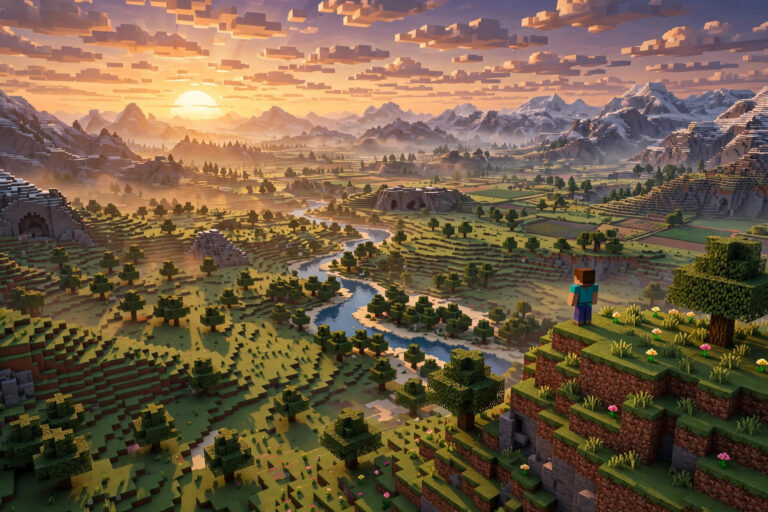
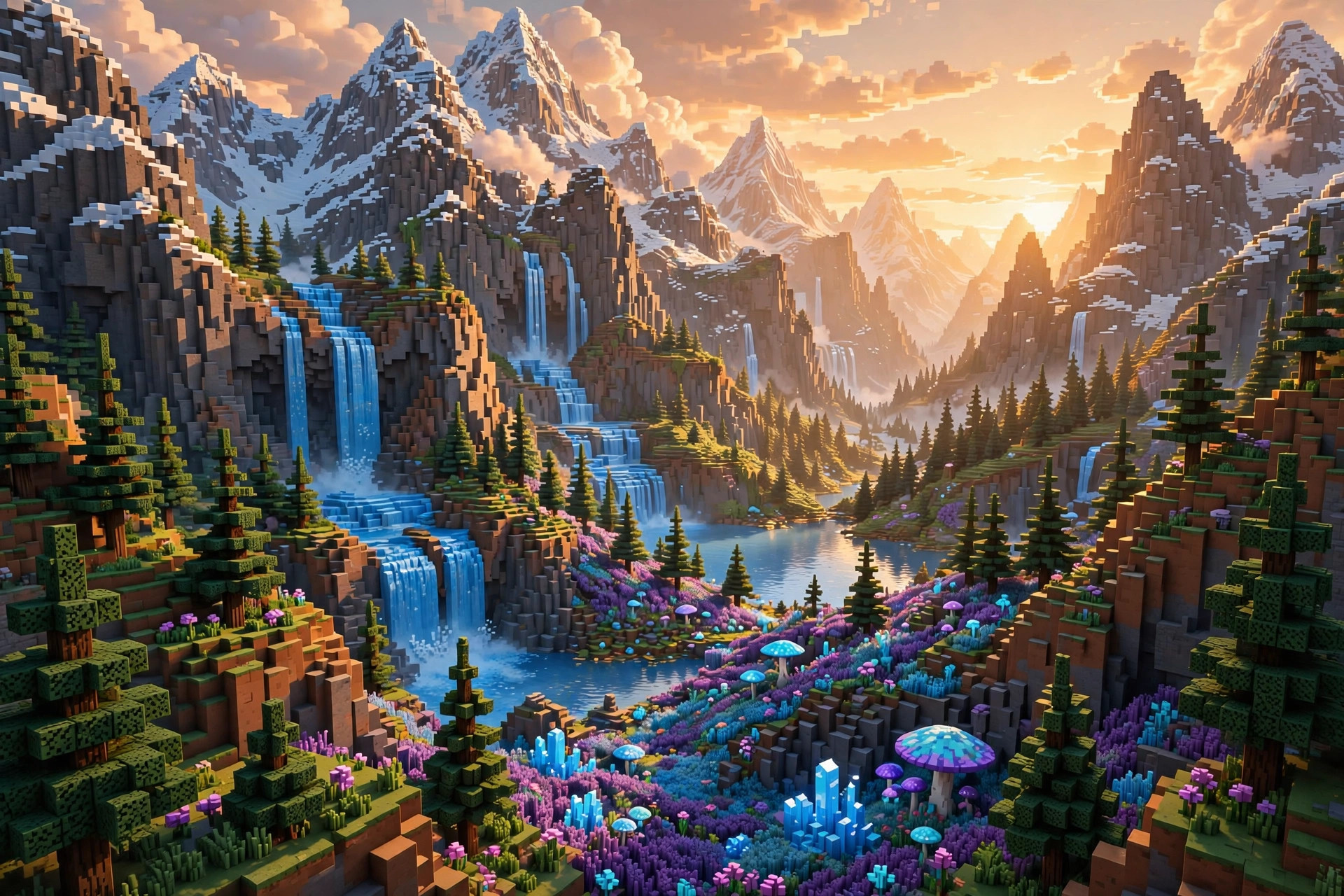
Terralith has passed 25.1 million downloads on Modrinth, which puts it among the most downloaded world generation projects on the site. It earns that number by changing the land itself. Vanilla biomes get a rework, and more than 95 new ones join them, from realistic mountain ranges to light fantasy forests. All of it uses blocks that already exist in the game. It adds no new blocks or items, and no new mobs either.
Version 2.6.5 is the current release, and it is the only build you should grab for Minecraft 26.3. It adds Poplar blocks to existing biomes and Shelf Mushrooms to all fallen logs. Alpine Highlands gets custom Abandoned Camps, and vanilla Abandoned Camps now generate in Terralith biomes too. The same update fixes broken feature generation in Gravel Desert and heavy snow on Scarlet Mountain. It also fixes small chunk borders that showed up when players upgraded from an older version.
Download it only from Modrinth, where the project page lists every file for version 2.6.5+26.3. Repost sites often serve old or altered files, so the project page is the one source to trust.
Minecraft 26.3 · Datapack · v2.6.5+26.3 · Official download
What does the Terralith Mod Download change in your world?
The short answer is the terrain. Terralith replaces flat stretches of vanilla generation with taller mountains and deeper valleys, and coastlines look shaped by water and wind instead of a grid. Almost every vanilla biome gets new details of its own. You still mine the same ores and chop the same trees. The mobs stay the same too. The ground under your feet is what changes.
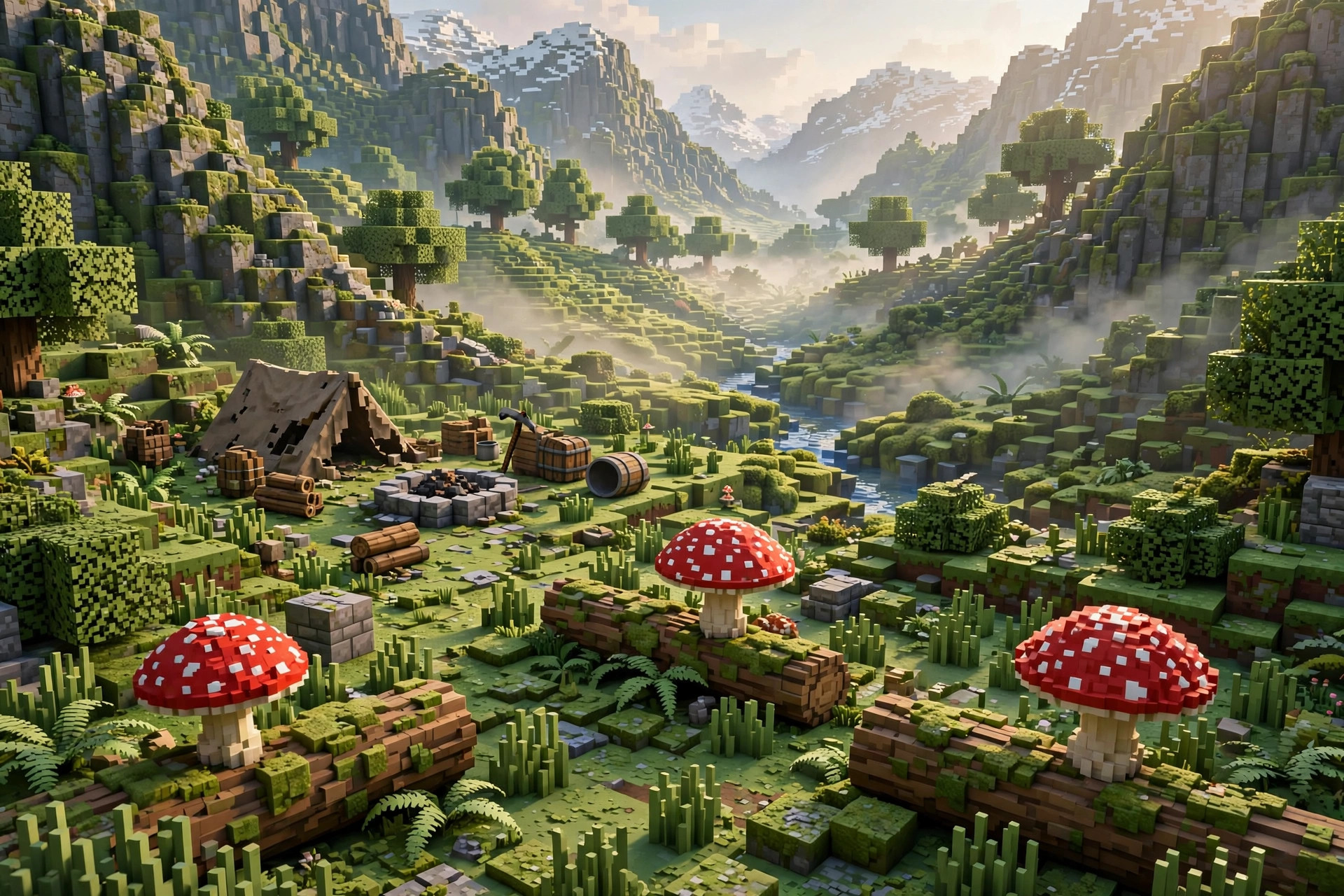
Structures get the same treatment. Abandoned Camps now turn up in Terralith biomes, and Alpine Highlands has its own custom camp design. To compare world generation projects before you commit, our roundup of the best dimension and world-gen mods puts Terralith next to the other options.
The count on the Modrinth page is over 95 new biomes. Because each one is built from vanilla blocks, the pack needs no texture pack and no resource pack to look right, and your game loads no new models or textures.
Who should install Terralith, and who should skip it?
Terralith suits a fresh survival world best. It suits builders who want dramatic land to build on, and players who have seen every vanilla biome and want new ground to walk. Servers fit too: the datapack runs on a vanilla server, and players join without installing anything.
Skip it if you are deep into a world you love. Terralith only shapes land that has never been generated, so the new biomes sit far from home. Skip it if you want new blocks or new mobs. Terralith changes the land, and it leaves the rest of the game alone. Skip it if you run a stack of biome datapacks. Those packs fight over the same terrain, so pick one world generation datapack per world.
How to install Terralith
Terralith comes in two forms, and you only need one of them.
Install the datapack
- Download Terralith_v2.6.5+26.3.zip (2.99 MB). Leave the file zipped. Minecraft reads the zip as it is.
- Open Minecraft Java Edition 26.3 and click Create New World.
- Click More, then Data Packs. Drag the zip into the window and move Terralith to the selected side.
- Create the world. A warning about experimental settings can show up here. It is normal for world generation datapacks.
- Check that it loaded. Open chat and run /datapack list. Terralith should show in the enabled list.
To add Terralith to a world that already exists, close the world first. Open the world folder, drop the zip into the datapacks folder, and open the world again. Only new chunks use the new generation.
On a server, stop the server first. Put the zip in the datapacks folder inside the world folder, then start the server. Do this before the first start if you can, so spawn generates with Terralith from the beginning.
Install the mod jar
- Install Fabric Loader or NeoForge for Minecraft 26.3.
- Download the jar that matches your loader: Terralith_v2.6.5+26.3-neoforge.jar for NeoForge, or Terralith_26.3_v2.6.5+26.3.jar for Fabric.
- Download Lithostitched for Minecraft 26.3. The mod build has needed it since version 2.6.0, and the game will not start without it. Fabric players also need Fabric API for the same version.
- Drop the Terralith jar and Lithostitched into the mods folder.
- Launch the game. Open the Mods menu and check that Terralith is listed.
If this is your first mod, our guide to installing Minecraft mods on Java Edition walks through loaders and the mods folder step by step.
Will Terralith work with your world, your server, and your other mods?
Terralith only shapes chunks that generate after you install it. A new world gives you the full effect from spawn. An old world keeps every block you have already seen, and the new biomes start past the edge of explored land. Version 2.6.5 fixes the small borders that upgrades used to leave behind.
Back up your world before you install anything that changes generation. Copy the world folder somewhere safe, then install. The Modrinth page states that you cannot remove Terralith from an existing world, so treat the choice as final for that world. If you want to try it first, make a copy of the world and test on the copy.
The datapack runs on a vanilla server with no loader and no setup on the player side. The mod jar needs the same loader on the server. Either way, generation happens on the server, so players join and see Terralith terrain without installing it themselves.
Terralith works with most biome-adding mods that use TerraBlender. Biome-adding datapacks usually conflict. The mod build works with the mod version of Tectonic, while datapack players should use Terratonic instead. Never swap the datapack and the mod jar in the same world: the two builds have differed since version 2.6.0, and the project page warns that swapping them can damage a world.
The mod build has a config file, terralith.json, in the .config folder. Edit it in a text editor or in game through the mod menu. The datapack has no config file.
How does Terralith affect performance?
World generation costs processor time when new chunks appear. Expect slower chunk loading while you explore fresh land, then normal speed once the chunks exist. This is the same cost any world generation mod carries.
The graphics side stays close to vanilla. Terralith adds no new textures or models, so your graphics card does the same work it did before. A weak computer feels the cost when chunks generate. Drawing the screen costs the same as vanilla. Keep render distance moderate while you explore, and pre-generate chunks before a big server launch so players do not all pay the generation cost at once. If the game stutters while new land loads, lower render distance by a few chunks first.
What should I do when Terralith does not work?
Each problem below has a clear cause and a fix that takes minutes.
The world looks like vanilla Minecraft
Cause: the datapack never enabled, or you are still standing in land the game generated before Terralith arrived. Fix: run /datapack list and check that Terralith shows as enabled. If it is, walk past the edge of explored land. If it is not, add the zip to the Data Packs screen and create a new world.
The game crashes on startup after you add the jar
Cause: the mod build is missing Lithostitched, or the Fabric build is missing Fabric API. Fix: add Lithostitched for Minecraft 26.3 to the mods folder, and add Fabric API too if you run Fabric. Check the crash report: it names the missing mod, so you can see exactly what to add.
Ugly seams show where old chunks meet new ones
Cause: the generation rules changed between Terralith versions, so the border between old and new land does not line up. Fix: update to 2.6.5 first, since it fixes the small borders upgrades used to leave behind. For a clean map, start a new world after you back up the old one.
A warning about experimental settings shows on world creation
Cause: Minecraft flags any datapack that changes world generation. Fix: nothing is wrong. Accept the warning and create the world.
Frequently asked questions
Is Terralith a mod or a datapack?
Both. Version 2.6.5+26.3 ships as a datapack zip and as Fabric and NeoForge jars. Pick one form per world.
Does Terralith work on a server?
Yes. The datapack runs on a vanilla server, and players join without installing anything. The mod jar needs the same loader on the server.
Can I add Terralith to a world I already play?
Yes, but only new chunks change. Your explored land stays as it is, so travel past the edge of the map to reach Terralith biomes. Back up the world first.
Can I take Terralith out of a world later?
No. The Modrinth page states that you cannot remove Terralith from an existing world. Test on a copy first.
Does Terralith work with Biomes O’ Plenty?
The mod build works with most biome mods that use TerraBlender. Biomes O’ Plenty is a TerraBlender mod, so the two can run in the same game. Biome datapacks usually conflict, so use one world generation datapack per world. Our Biomes O’ Plenty download page covers that mod on its own.
Is Terralith free?
Yes. The project is free on Modrinth, and the same files are on CurseForge. Download it only from those pages.
Verdict: should you install Terralith?
The Terralith Mod Download is the right pick if you are starting a fresh world and want new land without new blocks to learn. It is one of the most downloaded world generation projects for a reason. The terrain looks hand-shaped, and the biomes stay true to vanilla blocks. The datapack path needs no loader at all. Start a new world and back it up first. Pick one form of Terralith for that world and stick with it. If you are mid-way through a world you love, or you want new items and mobs, leave Terralith for your next world. Walk a few hundred blocks from spawn in that new world. The first mountain ridge will tell you if Terralith is for you.