Cobblemon Mod Download for Minecraft 1.21.1 (Fabric and NeoForge)
Cobblemon Mod Download gives you version 1.8.4F for Minecraft 1.21.1 on Fabric, with a NeoForge build called 1.8.4NF for the same game version. It is a fan-made mod that adds Pokemon catching and battling to Minecraft, with breeding for players who plan a team. Grab the file from Modrinth, add Fabric API, and drop both jars in your mods folder.
If you ever wanted Pokemon in Minecraft without giving up the game you already know, Cobblemon is the mod that does it best in 2026. It drops wild Pokemon into the biomes you build and mine in, and it keeps the survival game intact around them. This guide covers the Cobblemon Mod Download for Minecraft 1.21.1, both loaders, the install steps, and what the mod plays like once it is running.
Minecraft 1.21.1 · Fabric 1.8.4F · Official download
What Cobblemon is
Cobblemon is an open-source, fan-made Pokemon mod for Fabric and NeoForge. It is not an official Pokemon game, and Nintendo and The Pokemon Company have no part in it. The mod puts Pokemon into normal Minecraft worlds, so a Pidgey can fly over the plains where you chop wood, and a Magikarp can flop around in the river next to your base.
The project page on Modrinth lists more than 800 Pokemon to catch, across generations 1 to 9. A few have no finished model yet, and those show up as a substitute doll until the model lands. The mod has passed 37 million downloads on Modrinth. That count means steady updates and a large group of players who report bugs fast.
The project wants a Pokemon mod that fits Minecraft and fits modpacks, instead of a separate game bolted on top of one. Battles use the Pokemon Showdown engine, so type matchups and move effects follow the rules competitive players already know. You can keep moving during a battle if you turn that option on, which means you can build or mine while a fight runs.
Cobblemon versions and compatibility
The current stable release is 1.8.4, published on October 27, 2026, in two builds for Minecraft 1.21.1, one for Fabric and one for NeoForge. The Fabric file is the lead file, and it is the one the download button above points to. The jar is about 140 MB, which is normal for a mod with hundreds of models and sounds inside it.
| Build | Minecraft | Loader | Required dependency |
|---|---|---|---|
| 1.8.4F | 1.21.1 | Fabric | Fabric API |
| 1.8.4NF | 1.21.1 | NeoForge | Kotlin for Forge |
Both builds need their dependency installed or the game will not load the mod. The Modrinth API lists exactly one required dependency per build: Fabric API for Fabric, and Kotlin for Forge for NeoForge. Architectury API is not listed for either one, so you do not need it. Do not mix the two jars in the same mods folder.
Version 1.8.4 is a fix release. Its changelog notes a fix for spawns that stopped working, a crash tied to Fearow blinking while ridden, a broken Shields Down ability on Minior, and Dusclops playing Squirtle’s cry sound. If you played an earlier 1.8 build and wild Pokemon stopped appearing, 1.8.4 is the version that fixes that.
How to install Cobblemon on Fabric
Fabric is the simplest way to run Cobblemon, and it is the setup most players use. If you have never installed a Fabric mod, our guide to installing Minecraft mods on Java Edition walks through the launcher side of it.
- Install the Fabric loader for Minecraft 1.21.1 from the Fabric website, then run the game once so it creates the mods folder.
- Download Cobblemon 1.8.4F from the button above, and download Fabric API for Minecraft 1.21.1 from Modrinth.
- Open your Minecraft folder and find the mods folder inside it. On Windows that folder sits at %appdata%\.minecraft\mods by default.
- Move both jar files into the mods folder. Do not unzip them.
- Launch Minecraft with the Fabric 1.21.1 profile. The mod list should show Cobblemon 1.8.4F and Fabric API.
- Start a new world. Wild Pokemon spawn in the same biomes as normal mobs, so you should see your first one within a minute or two.
Start a new world for your first run. Cobblemon adds structures and spawns that only appear in fresh chunks, so an old world will have empty areas until you walk into land you have never visited.
How to install Cobblemon on NeoForge
The NeoForge build works the same way, with one difference: its required dependency is Kotlin for Forge instead of Fabric API. Install the NeoForge loader for Minecraft 1.21.1, download Cobblemon 1.8.4NF and Kotlin for Forge, and put both jars in the mods folder.
| Loader | Who it fits | What to install with Cobblemon |
|---|---|---|
| Fabric | Players who want the lightest setup and the most Cobblemon guides and addons | Fabric API |
| NeoForge | Players who already run a NeoForge pack and want Cobblemon inside it | Kotlin for Forge |
Fabric is the pick for most players. The Cobblemon team ships the Fabric build first, and most addons and datapacks written for the mod target Fabric. NeoForge makes sense when your pack is already NeoForge and you do not want to rebuild it.
What you actually do in Cobblemon
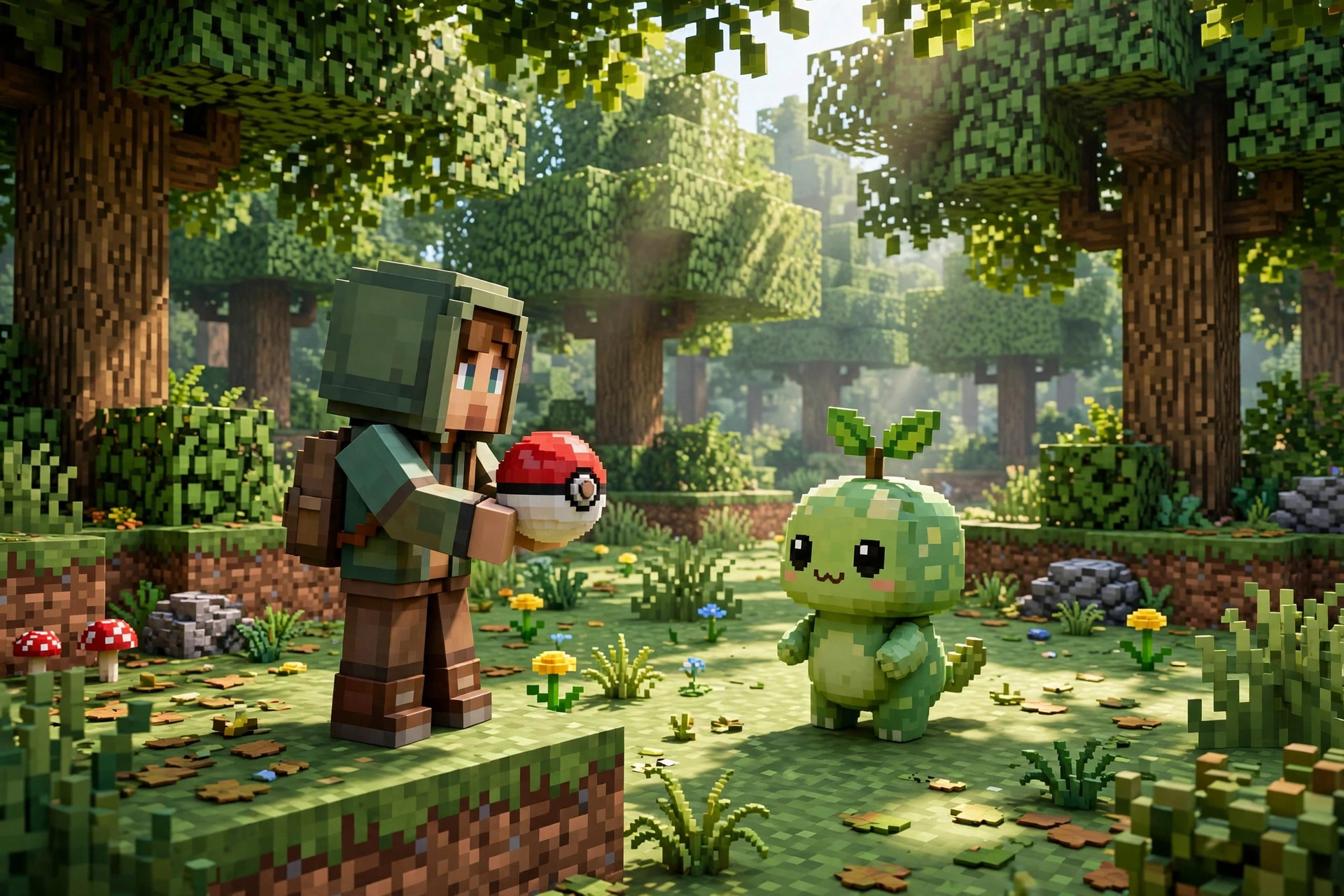
The first hour is the hook. You spawn in, craft a Poke Ball, and throw it at the first wild Pokemon you find. The mod adds more ball types for tougher catches, and a low health bar plus a status condition raise your odds, just as they do in the handheld games. The Pokemon you catch joins your party, and from there the loop runs: battle, gain experience, learn moves, and evolve.
Battles run on the Pokemon Showdown engine, so type matchups from the main games carry over. The mod adds a few touches from Pokemon Legends: Arceus, like relearning old moves and choosing when a Pokemon evolves instead of having the game decide for you. You can run from a wild battle on foot, which sounds small until a level 40 Alpha Pokemon corners your level 8 starter in a cave.
Alpha Pokemon are the mod’s overworld bosses in miniature. They are larger than normal, hit harder, and drop rewards when beaten or caught. They are worth chasing once your team has a few levels.
Your Pokemon are not stuck in a menu. You send them out to walk beside you, pastures let them roam a fenced area at your base, and you can ride some of them across the map. The Pokedex records what you see and catch, and its scanning feature tells you details about a wild Pokemon before you commit a ball to it.
Breeding works like the main games. Two compatible Pokemon in a pasture can produce an egg, and the egg hatches into a Pokemon that can carry moves and traits from its parents. It is optional, and you can finish the whole game without breeding a single egg.
Berries grow in the wild and on farmland, and you can mulch them for bonuses or cross-breed them to get new berry types. Medicine comes from putting crops and berries in a brewing stand. Fossils hide in suspicious gravel and sand, and a resurrection machine brings them back as living Pokemon. Ancient structures sit in the world too, and some hold gilded chests with loot inside.
Multiplayer is where Cobblemon earns its keep. You can trade with friends and battle their teams, and the mod works on a server the same way it works in singleplayer. If you plan to run one, our modded Minecraft server guide covers the setup, and you should give the server at least 4 GB of RAM.
Performance and modpack notes
Cobblemon is a big mod, and it shows in RAM use. A singleplayer world runs fine on 4 GB of RAM, but 6 GB fits better if you also run a shader pack or a biome mod. Cobblemon supports biome mods like Terralith and Oh The Biomes You’ll Go, and those mods add their own memory load. Our guide to allocating more RAM to Minecraft covers the launcher setting.
Troubleshooting
The game crashes on startup. The usual cause is a missing dependency. Check that Fabric API is in the mods folder next to Cobblemon, or Kotlin for Forge for the NeoForge build. A second cause is a version mismatch: Cobblemon 1.8.4 only runs on Minecraft 1.21.1. Our Minecraft crash troubleshooting guide covers the rest.
No wild Pokemon spawn. This was a real bug in early 1.8 builds, and 1.8.4 fixes it, so update first. If it still happens, check that you are in a new world or in fresh chunks, since Pokemon need open space to spawn.
The game stutters when Pokemon spawn in. Cobblemon loads models and sounds when a Pokemon appears, so the first spawn in a session can hitch. Give the game 6 GB of RAM, and turn down render distance by two chunks if the stutter never stops.
A Pokemon shows as a doll instead of its model. That is the substitute doll for a Pokemon whose model is not finished yet. It still battles and catches like normal, and the model will arrive in a later update.
Is Cobblemon safe to download?
Yes, if you get it from Modrinth. The download button on this page points straight to the Modrinth CDN file for Cobblemon 1.8.4F, and Modrinth scans uploaded files. Do not download Cobblemon from a random reupload site or a video description link. The mod is free, and any site that asks you to log in or pay to download it is not the real thing.
Frequently asked questions
Does Cobblemon work on Minecraft Bedrock?
No. Cobblemon is a Java Edition mod for Fabric and NeoForge, and there is no Bedrock version.
Can I play Cobblemon with friends?
Yes. Cobblemon runs on servers, and you can trade Pokemon and battle other players. Everyone on the server needs the same Cobblemon version and the same loader.
How many Pokemon are in Cobblemon?
More than 800, across generations 1 to 9. A few use a substitute doll while their model is still being made, but they still spawn and battle like the rest, and you can still catch them.
Does Cobblemon need Fabric API?
Yes, the Fabric build does. The Modrinth API lists Fabric API as the only required dependency for 1.8.4F, and the NeoForge build needs Kotlin for Forge instead.
Is Cobblemon free?
Yes. The mod is open source and free to download from Modrinth, and nothing in it is locked behind a payment.
Verdict
Cobblemon is the Pokemon mod to install in 2026 if you play Java Edition and you want to catch Pokemon and battle with them inside normal Minecraft. The Fabric build is the one to get, with Fabric API beside it, on Minecraft 1.21.1. Download it from Modrinth, start a fresh world, and give it an hour.